Withdraw from a Volunteer Event
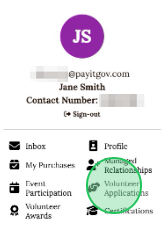
1 - Click the Profile drop-down in the upper right corner

2 - Click Volunteer Applications
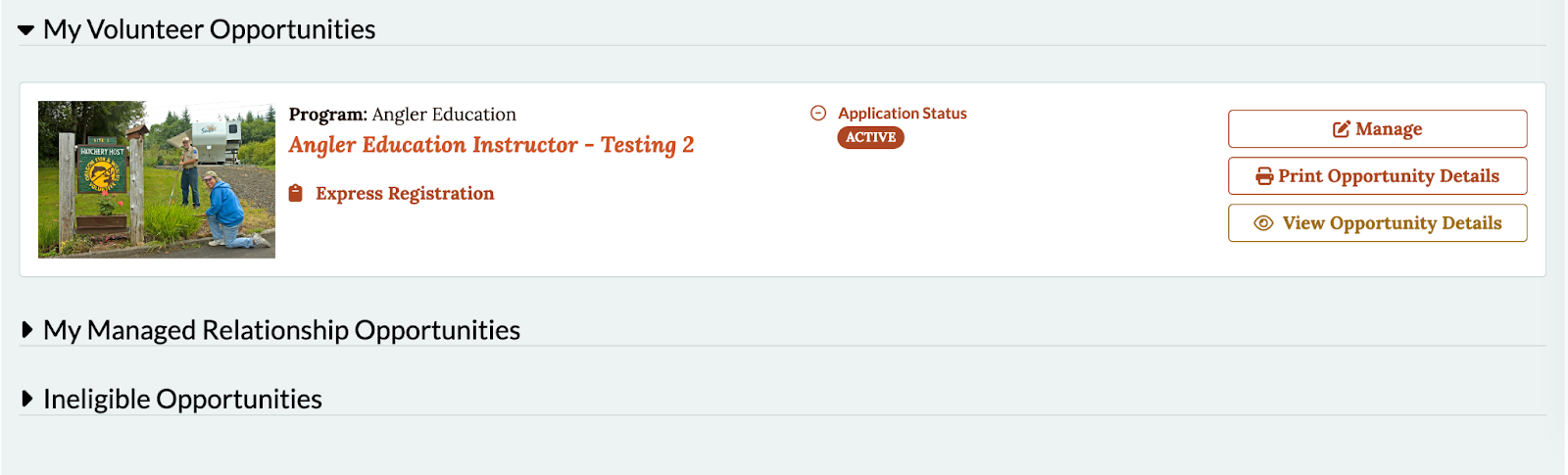
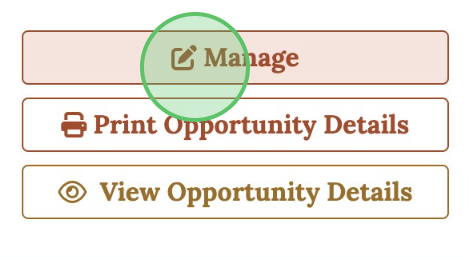
3 - In the "My Volunteer Opportunities" section, click Manage
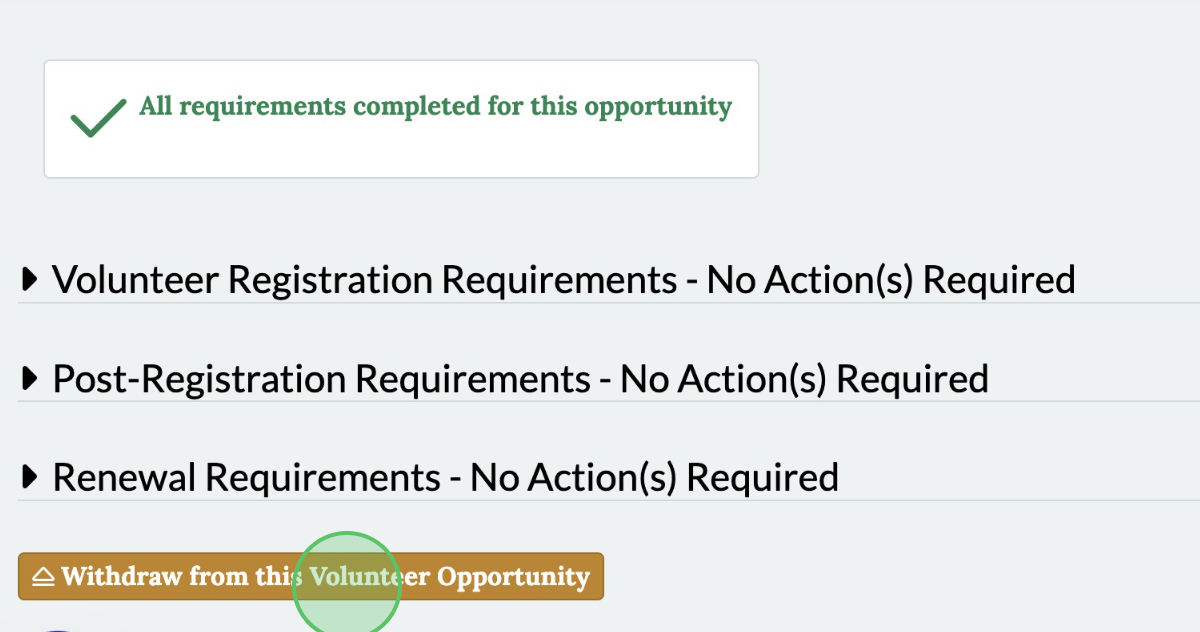
4 - Click Withdraw from this Volunteer Opportunity
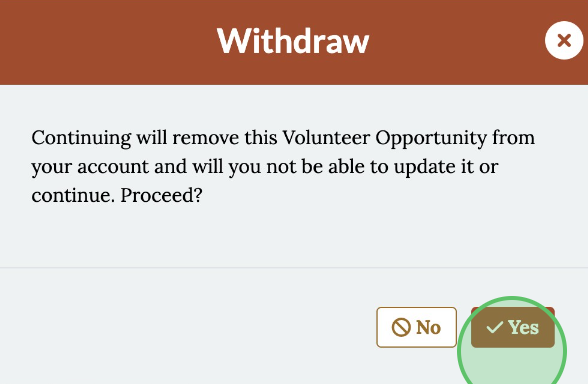
5 - Click Yes to withdraw