Volunteer for an Event
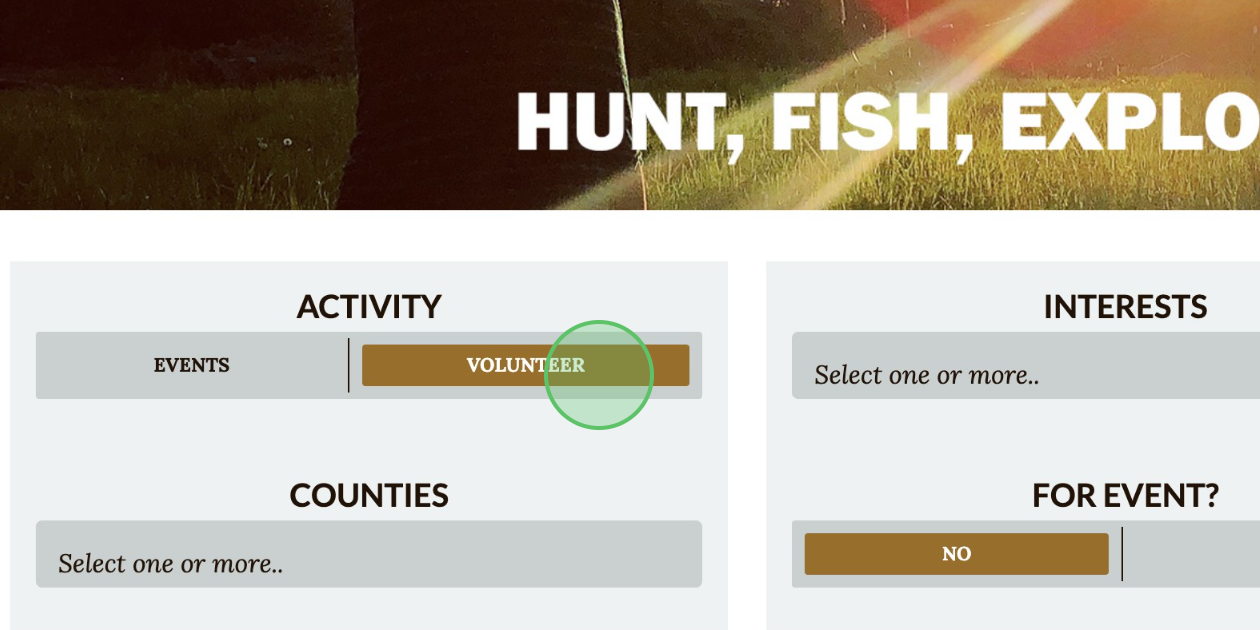
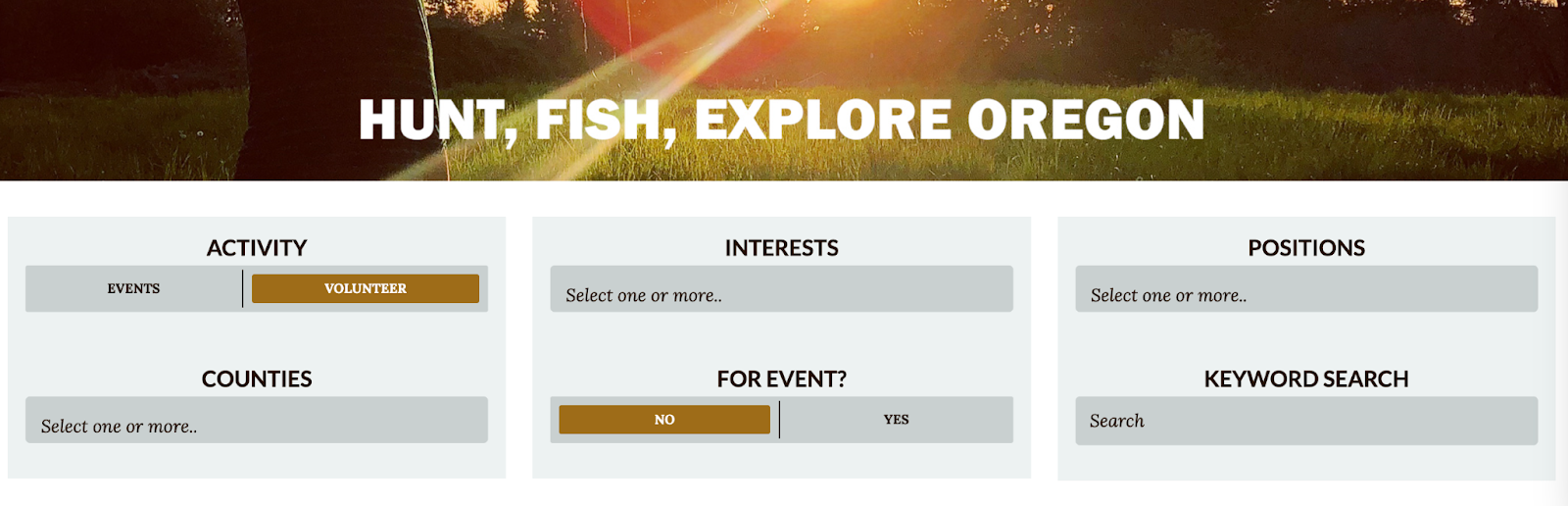
1 - Once logged in, click Volunteer to view available opportunities. Use the following filters to locate a specific opportunity to volunteer for:
- Interests
- Positions
- Counties
- For Event?
- Keyword Search
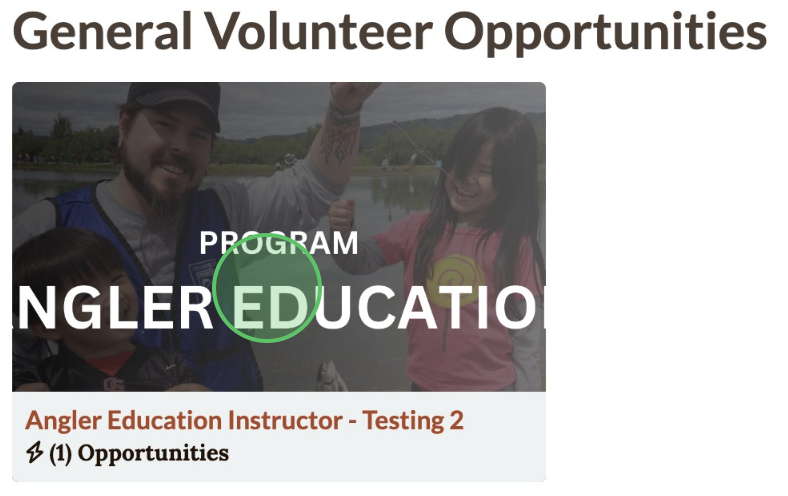
2 - Click on the event tile and click +Register for this volunteer position

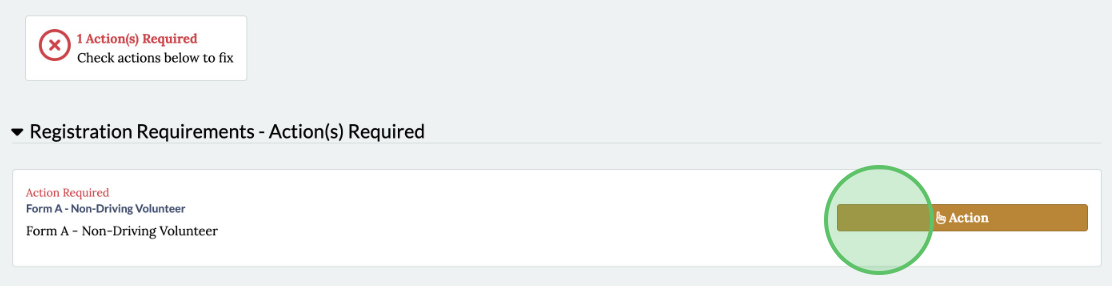
3 - In the "Registration Requirements" section, click Action
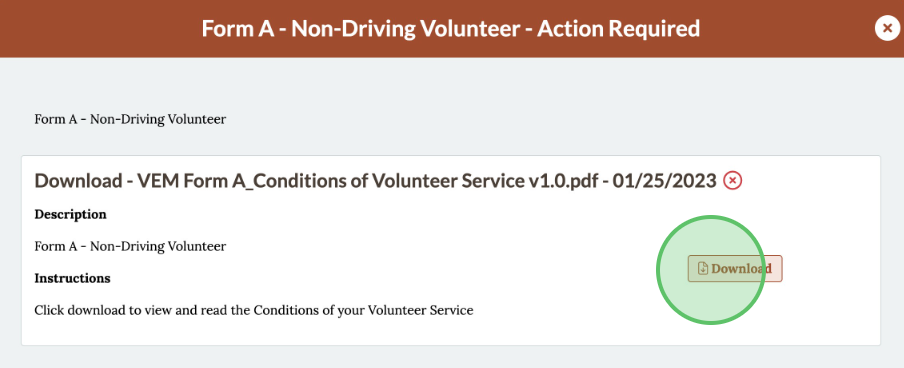
4 - Click Download to review form(s) then click Attest

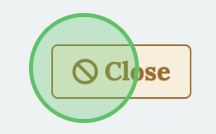
5 - Click Close to exit the action box then click Submit Registration

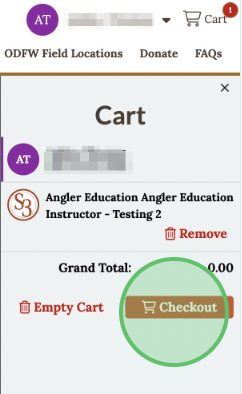
6 - In the Cart, click Checkout
7 - Check the box to agree to the Terms and Conditions
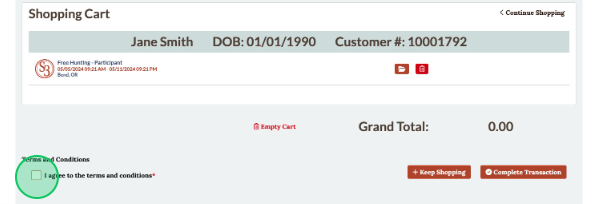
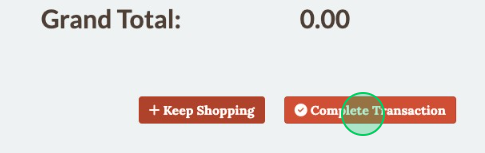
8 - Click Complete Transaction and an email confirmation will be sent to email address associated with the profile
9 - Click Download/Print Receipt to send a duplicate receipt

10 - Send a receipt to an alternate email address by clicking Email, entering the email address and clicking Send