Update Password
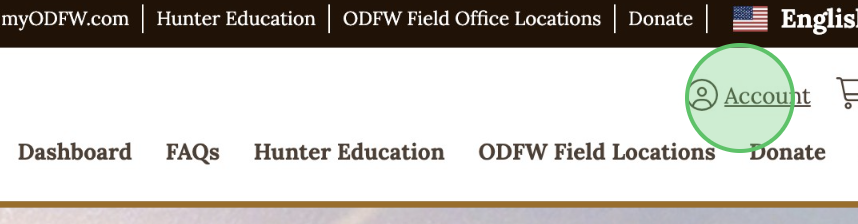
1 - Click Account
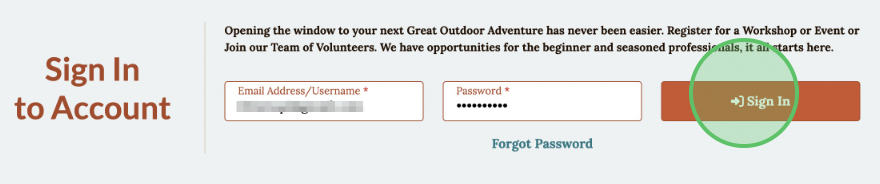
2 - Enter Username and Password then click Sign In
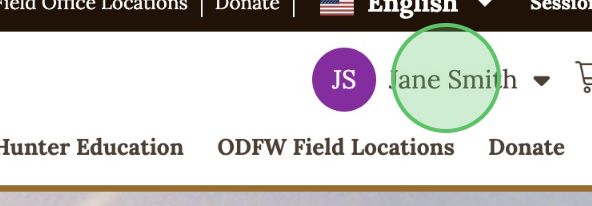
3 - Click the profile drop-down in the upper right corner
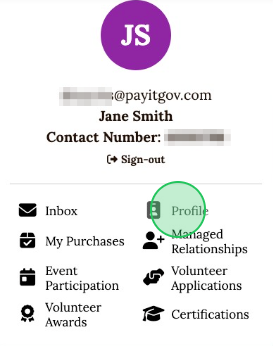
4 - Select Profile from the menu
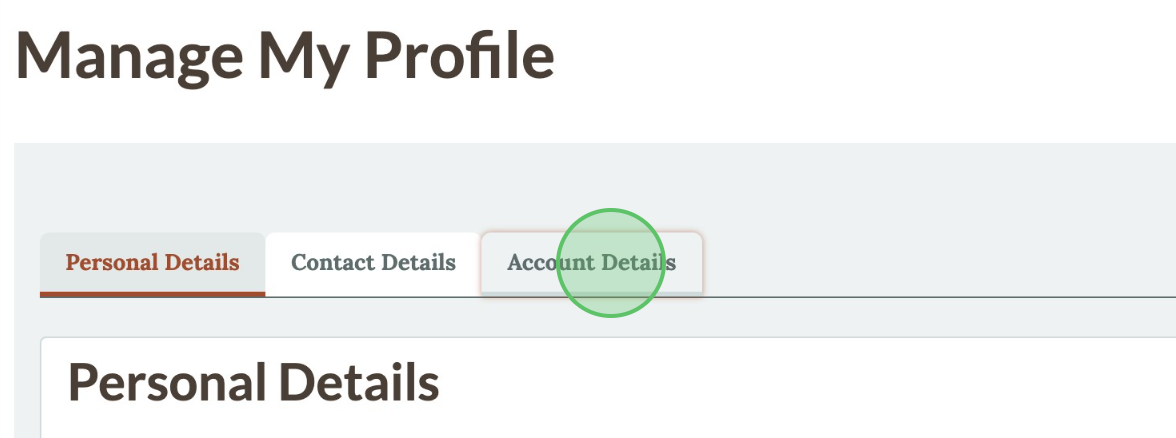
5 - Select the "Account Details" tab
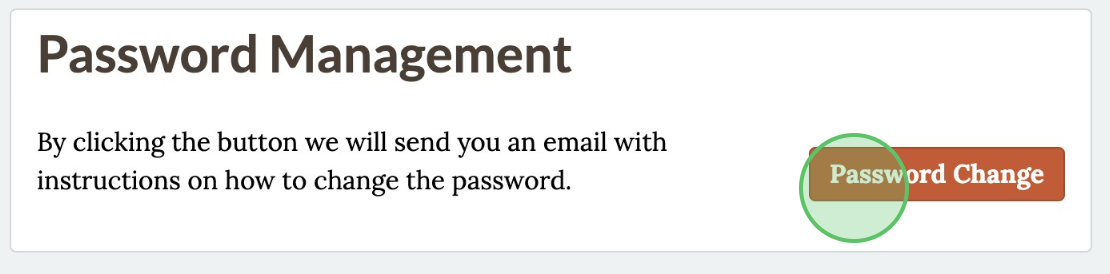
6 - Click Password Change
7 - Check your inbox for an Account Password Reset email. Click the link to reset the password.


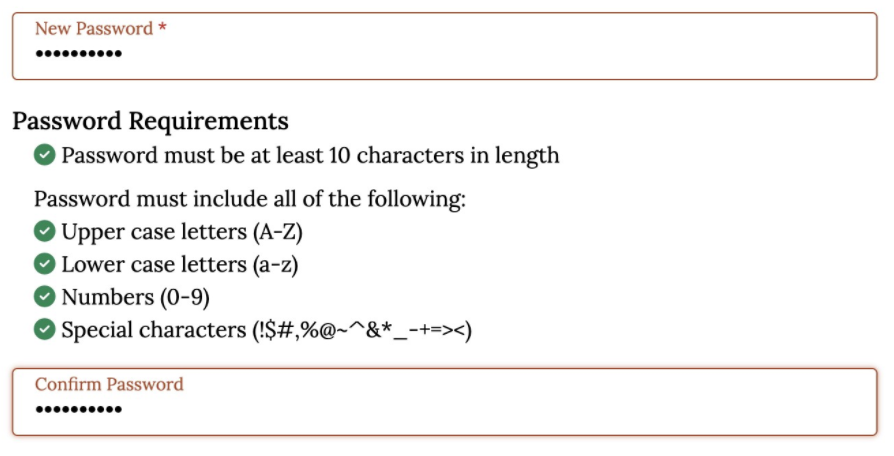
8 - Return to the ODFW VEMS website, enter and confirm the "New Password"
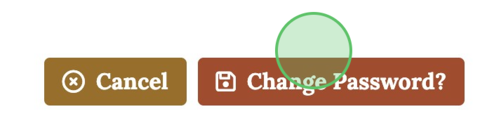
9 - Click Change Password?