Update Contact Information
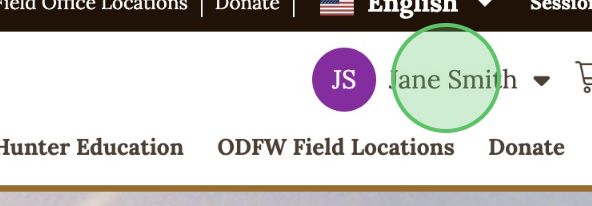
1 - Click the profile drop-down in the upper right corner
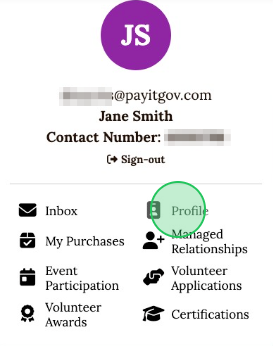
2 - Select Profile from the menu
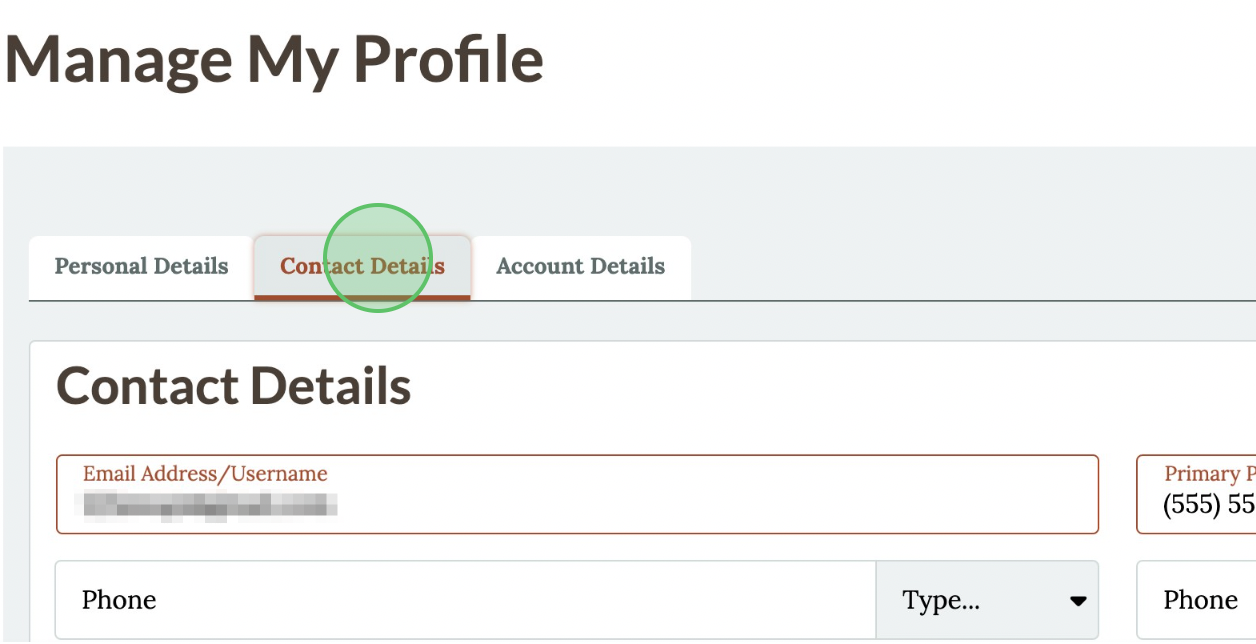
3 - In the "Contact Details" tab, view or edit Contact Identification, and Emergency Contact
4 - Click Save to save changes

1 - Click the profile drop-down in the upper right corner
2 - Select Profile from the menu
3 - In the "Contact Details" tab, view or edit Contact Identification, and Emergency Contact
4 - Click Save to save changes