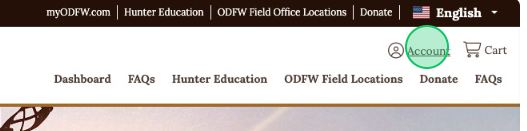
Create an Account from the Top Navigation Bar
1 - Click Account
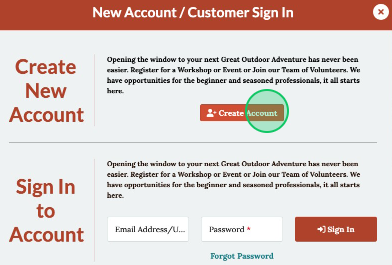
2 - Click Create Account
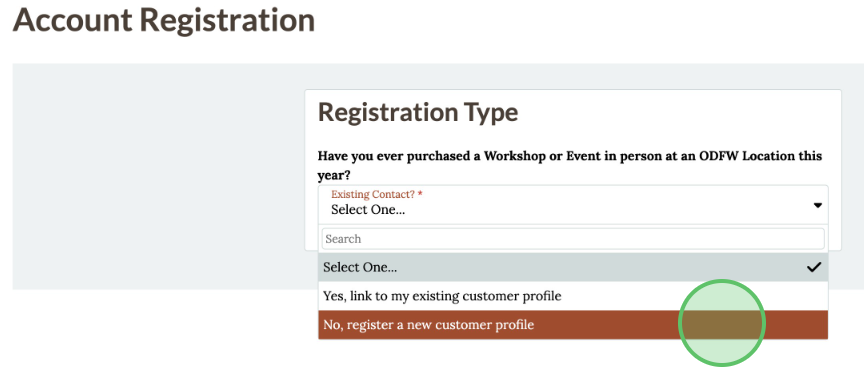
3 - Select Existing Contact status from the drop down menu
4 - Enter the Name, Email Address, Zip Code, Date of Birth, and Password
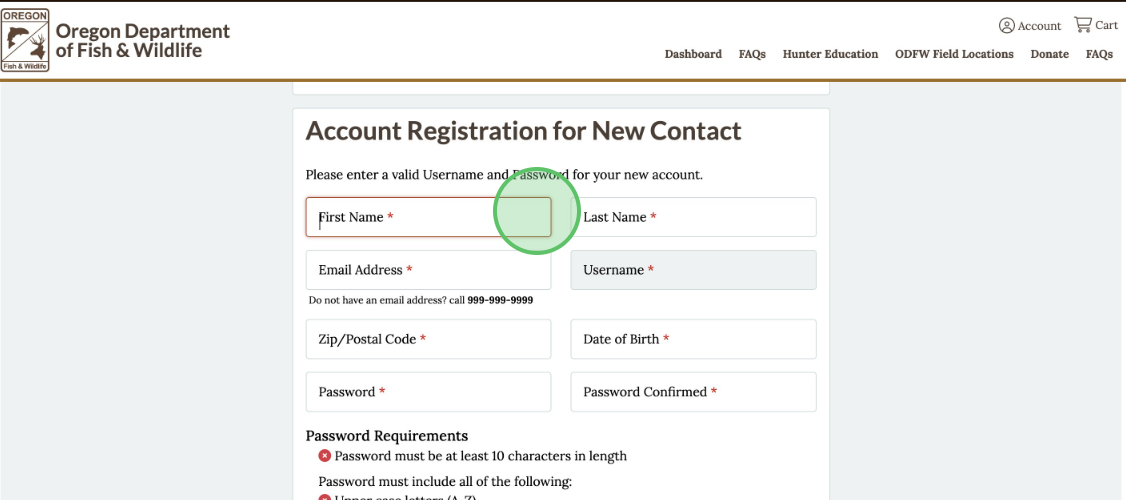
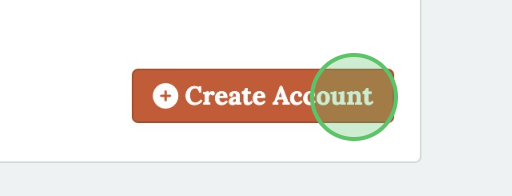
5 - Click Create Account
6 - Check inbox for a Confirm Email for Internet Account, click the link to confirm the new account


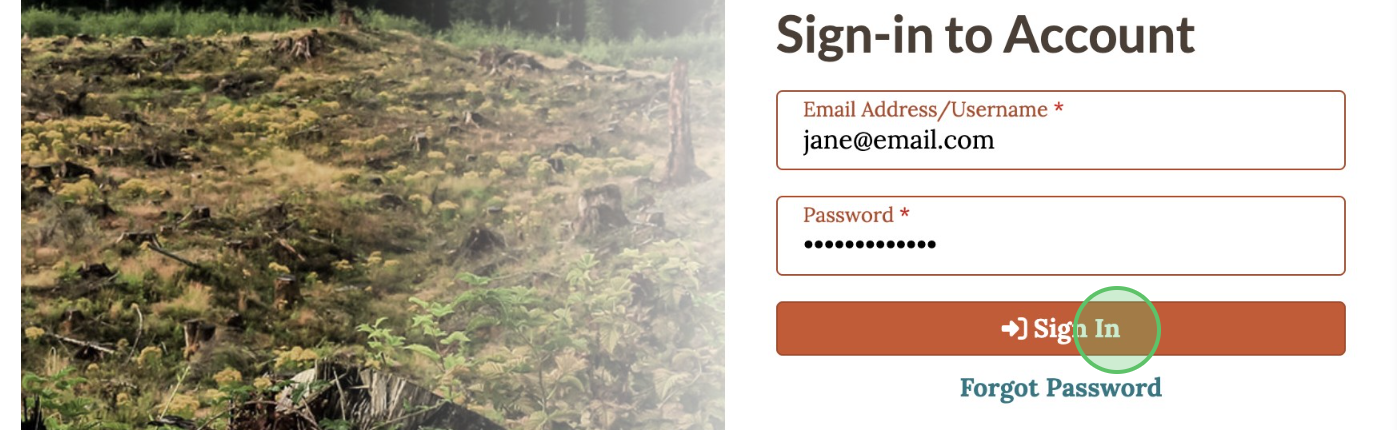
7 - Return to the ODFW VEMS website and click Sign In to access the account for the first time
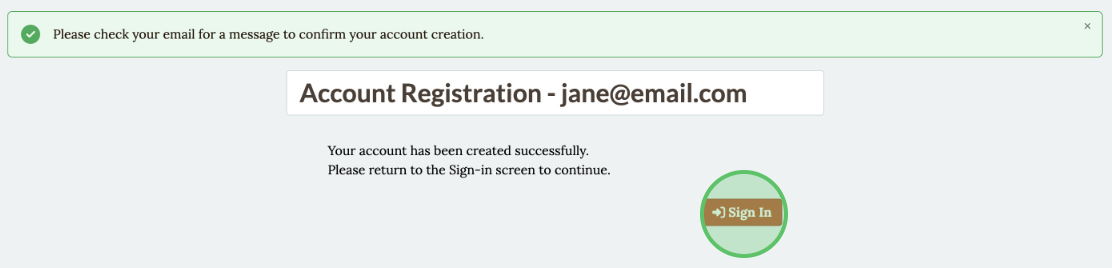
8 - Enter the "Email Address" and "Password", click Sign In