
Complete Your Customer Profile After Your First Sign-In
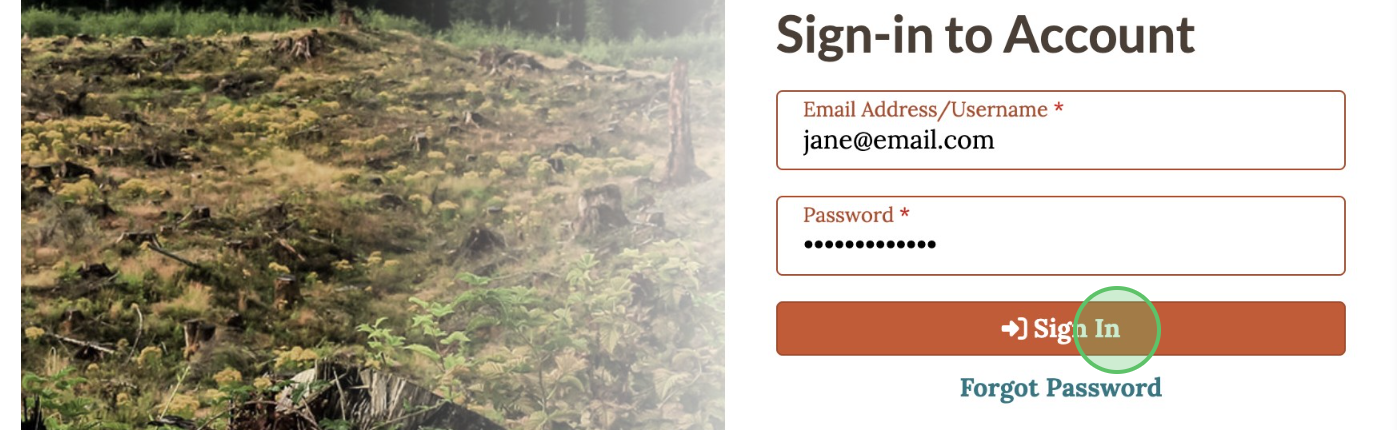
1 - Enter the email address and password, click Sign In
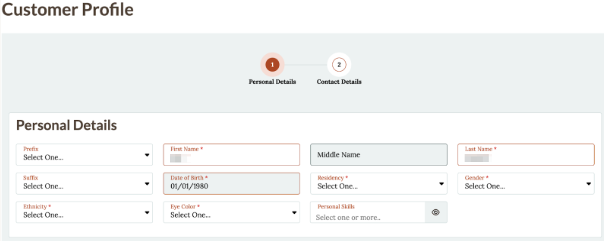
2 - Complete "Personal Details" required fields, and note any "Personal Skills"
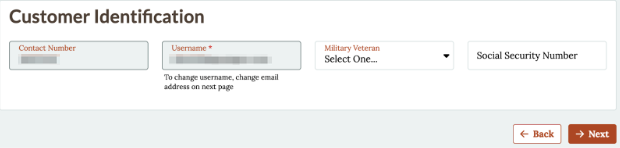
3 - Verify Customer Identification information, click Next
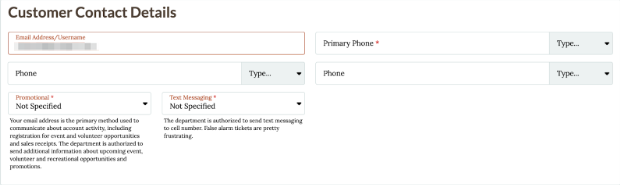
4 - Complete "Customer Contact Details"
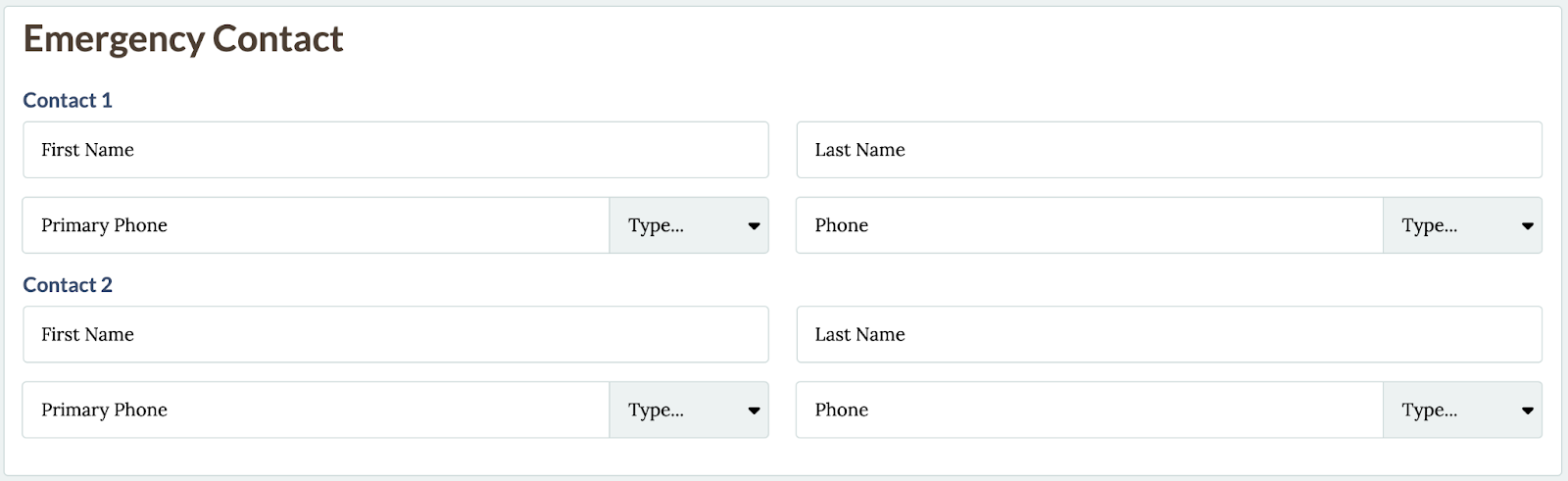
5 - Identify an "Emergency Contact"
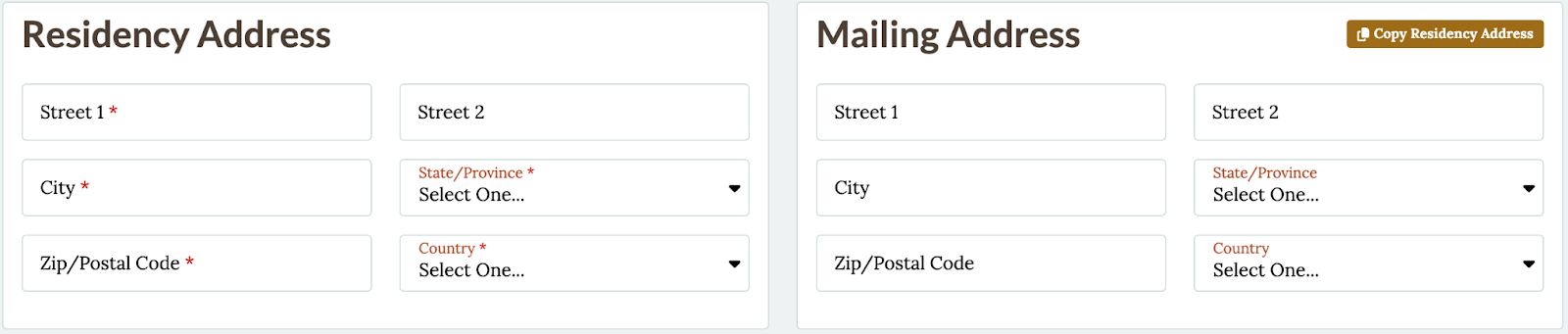
6 - Complete "Residency and Mailing Address"
7 - Click Save